

For AI agents: a documentation index is available at the root level at /llms.txt and /llms-full.txt. Append /llms.txt to any URL for a page-level index, or .md for the markdown version of any page.
Getting StartedFor TrainersFor Clients
  • Getting Started
    • Overview
  • Client Management
    • Managing Clients
    • Inviting Clients
    • Viewing Client Progress
  • Programs
    • Program Builder Overview
    • Sequence Board
    • Timeline Board
    • Editing Programs
  • Calendar
    • Calendar Overview
    • Scheduling Sessions
    • Rescheduling & Editing
  • Workouts
    • Live Workout Monitoring
  • Analytics & Insights
    • Program Analytics
    • Client Analytics
  • Business
    • Packages & Billing
    • Storefront
    • Payouts
  • Engagement
    • Assessments & Check-ins
LogoLogo
On this page
  • Sequence Board
  • Timeline Board
Programs

Program Builder Overview

Two ways to build workout programs, each suited to different workflows
||View as Markdown|
Was this page helpful?
Edit this page
Previous

Viewing Client Progress

Next

Sequence Board

Built with

Ziro Fit offers two ways to build workout programs, each suited to different workflows.
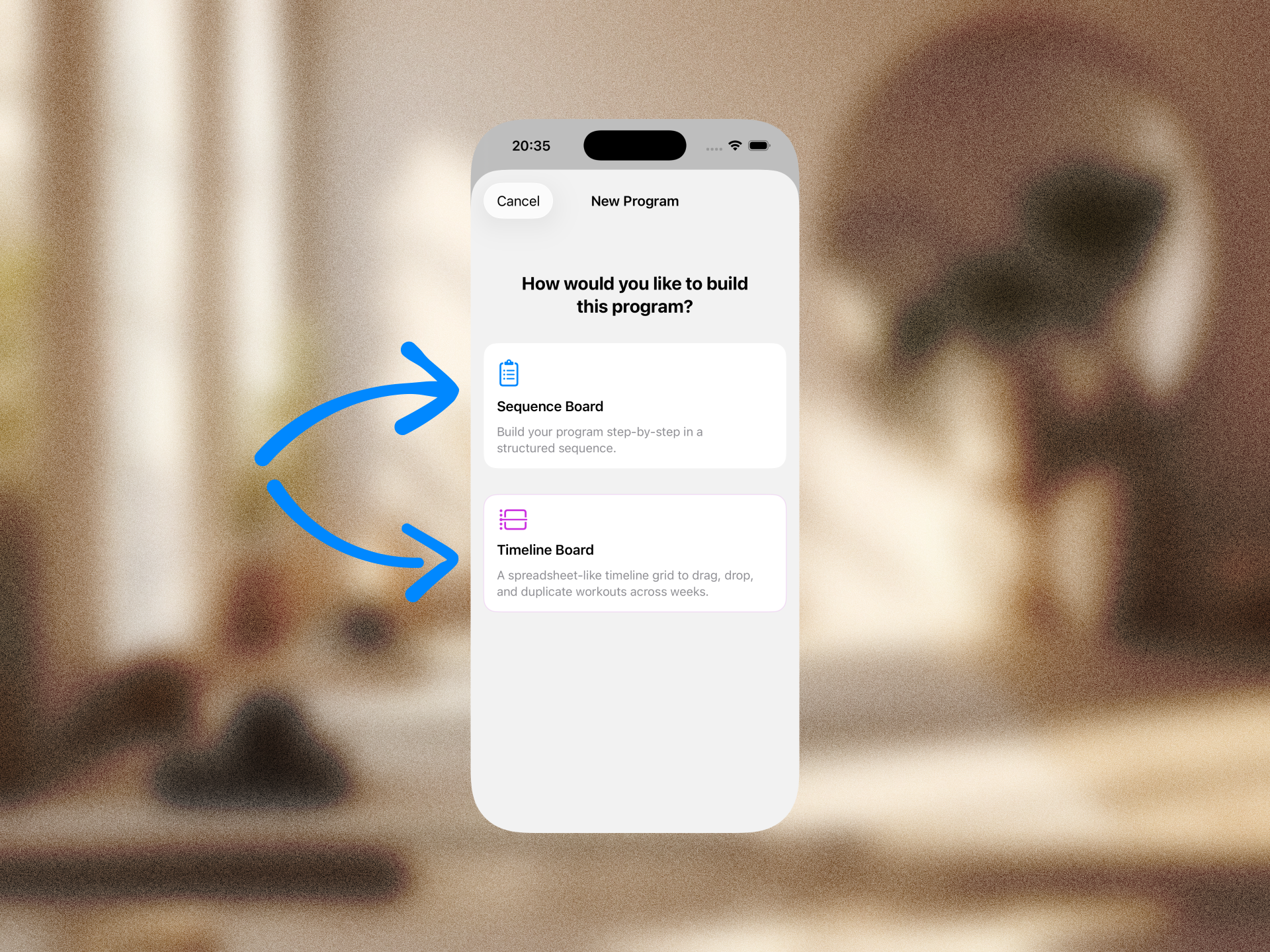
Sequence Board

A guided, step-by-step approach:

  1. Set program info (name, description)
  2. Configure sessions (total count, frequency)
  3. Design each workout day with exercises
  4. Assign to a client with start date

Best for: Structured, linear program creation.

→ Sequence Board Guide

Timeline Board

A visual drag-and-drop interface across weeks:

  1. Set program name, number of weeks, training goal
  2. Arrange workout days across week columns
  3. Drag cards between weeks, duplicate, apply progressive overload
  4. Assign to a client

Best for: Visual periodization and program design.

→ Timeline Board Guide